
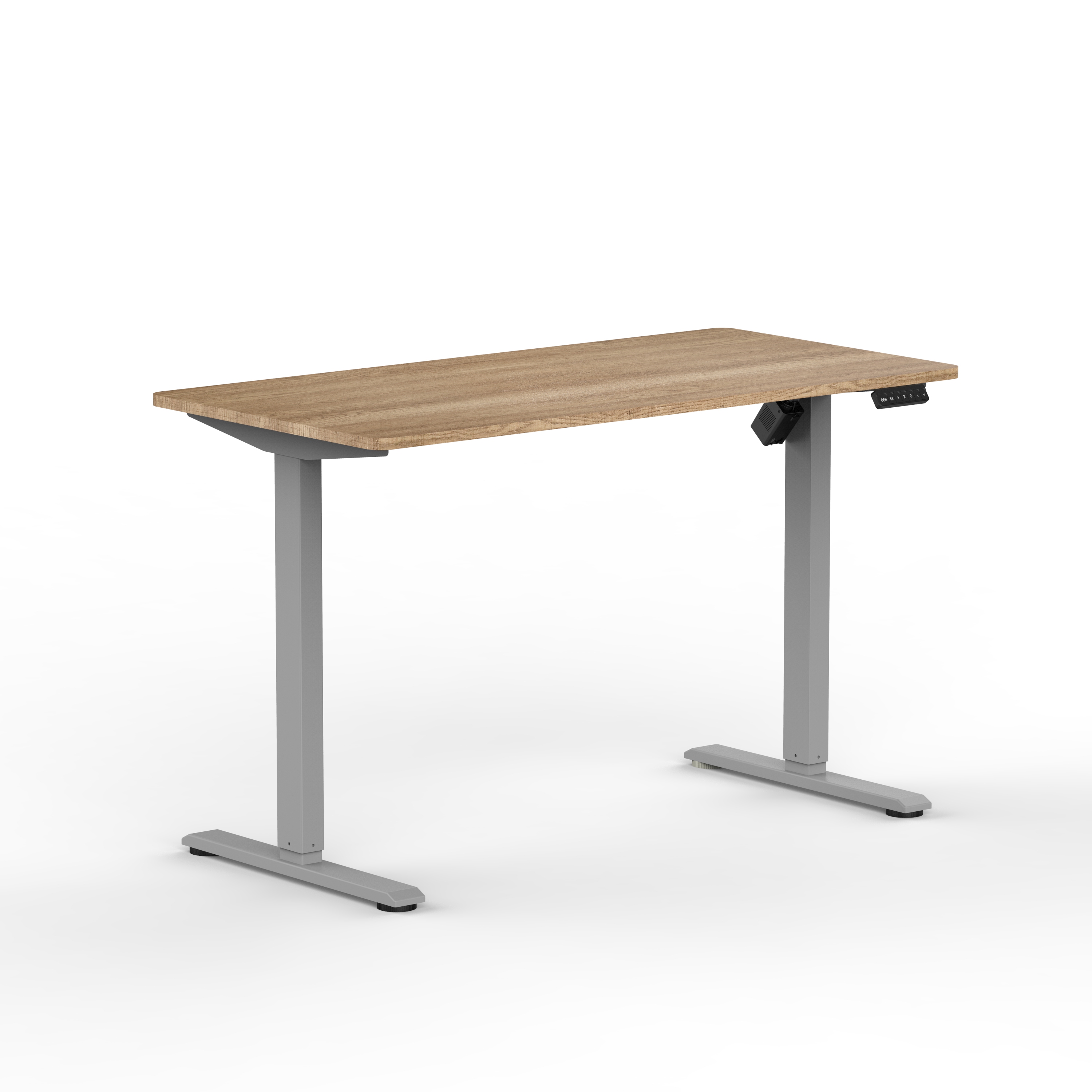
An electric standing desk is a valuable investment in workspace comfort and health, but like any motorized furniture, it requires regular inspection and maintenance to perform reliably. Understanding what to inspect on your electric standing desk ensures smooth operation, extends its lifespan, and prevents costly repairs. This guide walks you through the essential maintenance checkpoints every owner should know.
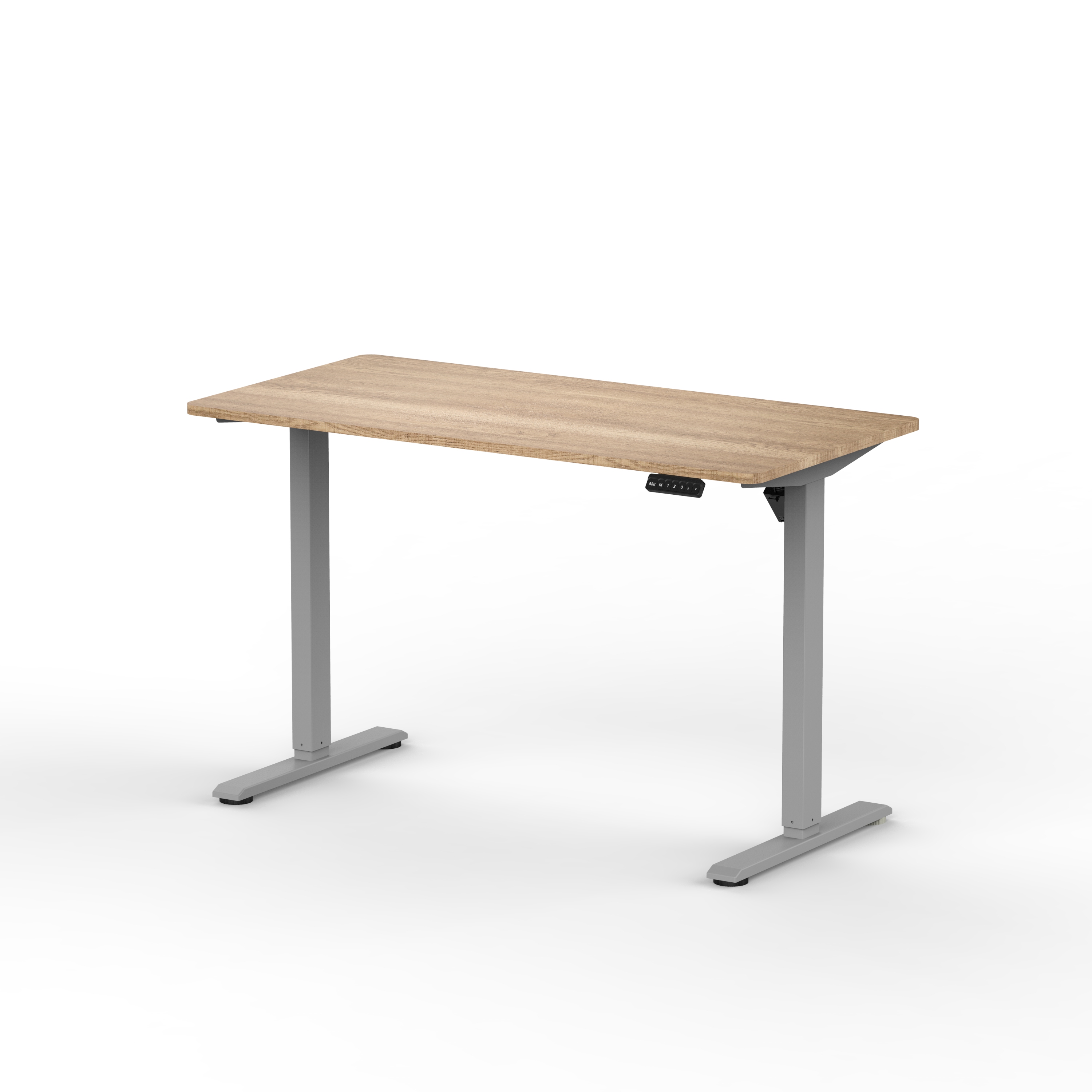
Regular inspection of your electric standing desk is not complicated, but it does require attention to detail. By performing these checks monthly or quarterly, you can catch potential issues early and maintain your desk in top working condition. The following sections outline the key components you should examine when maintaining your electric standing desk.
Motor and Drive System Inspection
Electrical Connection and Power Supply
The motor is the heart of any electric standing desk, so inspecting the electrical connection is your first priority. Check that the power cable is intact, free of damage, and properly connected to both the desk control unit and wall outlet. Look for any visible fraying, cracks in the insulation, or signs of overheating near the plug. If you notice discoloration or a burnt smell near the electrical components, disconnect the electric standing desk immediately and contact the manufacturer or a qualified technician.
Motor Noise and Performance
When operating your electric standing desk, listen for unusual sounds coming from the motor. Normal operation produces a gentle hum, but grinding, squeaking, or rattling noises indicate that your electric standing desk may need lubrication or adjustment. Test the motor's responsiveness by pressing the up and down buttons repeatedly. If your electric standing desk moves slowly, hesitates, or fails to respond, the motor may need servicing. A well-maintained electric standing desk should move smoothly and predictably within its full range of motion.
Structural Integrity and Stability
Frame and Joint Tightness
Inspect all bolts, screws, and welded joints on your electric standing desk frame. Over time, vibration during height adjustment can loosen fasteners, compromising stability. Use an appropriate wrench or screwdriver to gently tighten visible bolts on the base of your electric standing desk. Pay special attention to the corners and connection points where the motor mounts. A wobbly electric standing desk not only feels unpleasant but also puts stress on the motor and electronic components. Tightening loose hardware ensures your electric standing desk remains sturdy during both sitting and standing positions.
Alignment and Leveling
Place a level on the desktop surface of your electric standing desk at both sitting and standing heights. If your electric standing desk tilts noticeably, it may indicate that the motor is not synchronized or the frame has shifted. An uneven electric standing desk can cause monitor alignment issues and discomfort. Check that all four feet make solid contact with the floor. Adjust leveling feet if your electric standing desk is uneven, or contact the manufacturer if the motor synchronization appears faulty. A level electric standing desk provides a safe, comfortable working platform.
Control Panel and Safety Features
Button Responsiveness and Display Accuracy
Test every button on your electric standing desk control panel to confirm they respond consistently. The up and down buttons should activate the motor smoothly, and any preset buttons should move the desk to their designated heights. Check that the height display on your electric standing desk control unit matches the actual position. If buttons stick, the display shows incorrect measurements, or the electric standing desk fails to respond, the control panel may need recalibration or replacement. A functional control panel is essential for the usability and safety of your electric standing desk.
Safety Stops and Obstacle Detection
Modern electric standing desk models include collision detection that halts the motor if an obstacle blocks movement. Test this safety feature by placing a soft object under the desktop and pressing the down button. When your electric standing desk encounters resistance, it should immediately stop moving. If the collision detection fails or your electric standing desk continues moving into an obstacle, this is a serious safety hazard that requires immediate attention. Verify that the emergency stop or manual override button functions correctly on your electric standing desk. These safety features protect you and your workspace from damage.
Cable Management and Connectivity
Cable Routing and Strain Relief
Inspect all cables running under and around your electric standing desk for signs of wear, pinching, or tension. As your electric standing desk moves up and down, cables can become stretched or caught between moving parts. Ensure cables have adequate slack and are routed away from pinch points. Use cable clips or conduit to organize cables along the frame of your electric standing desk. Check that cable connections to the control box are secure. Proper cable management protects the longevity of your electric standing desk and prevents electrical hazards.
Wireless Receiver and Sensor Checks
If your electric standing desk includes a wireless remote, test the connection regularly. Ensure batteries are fresh and the receiver on the desk is unobstructed. Some electric standing desk models have proximity sensors to detect if you are sitting too close to the underside during descent. Verify these sensors function properly by running your electric standing desk through its full range of motion. A responsive electric standing desk with functional wireless controls enhances both convenience and safety. Maintain clear line of sight between remote and receiver for consistent performance of your electric standing desk.
FAQ
How often should I perform maintenance on my electric standing desk?
Perform basic visual inspections of your electric standing desk monthly, and deeper structural checks quarterly. If you use your electric standing desk in a high-use environment, inspect it every six weeks. Listen for changes in motor sound, test button responsiveness, and verify that collision detection works. Routine maintenance on your electric standing desk prevents small issues from becoming expensive repairs. Keep records of any maintenance performed on your electric standing desk to track patterns and predict future service needs.
What should I do if my electric standing desk moves slowly?
Slow movement in your electric standing desk often indicates that the motor is working harder than it should. First, check that your electric standing desk surface is not overloaded with equipment or supplies, as weight directly affects motor performance. Verify that all bolts and joints on your electric standing desk are tight, as loose connections increase friction. Lubricate the motor bearings and any moving joints on your electric standing desk according to the manufacturer's guidelines. If your electric standing desk still moves slowly after these checks, the motor may be experiencing mechanical wear and should be professionally serviced.
Can I service my electric standing desk myself?
Many basic maintenance tasks for your electric standing desk, such as tightening bolts and cleaning, can be performed by the owner. However, motor repairs, electrical work, and control panel troubleshooting should be handled by a qualified technician to avoid damage or safety risks. Always disconnect your electric standing desk from power before performing any maintenance. Consult the manufacturer's manual for specific guidance on what maintenance is safe for your electric standing desk. If you are uncomfortable with any procedure, contact customer support or a professional service provider to maintain your electric standing desk warranty and safety standards.